
Planning a new website can feel overwhelming whether you’re a small business owner, a founder, or a consultant. Over and over, I’ve met clients who start with excitement, but soon get lost in the sea of design, tech, and strategy. After helping dozens of clients through the full journey, I’ve learned that a clear process brings the best results. I want to share with you my step-by-step technical approach, mixing my years of experience with up-to-date best practices. By the end, you’ll not only avoid common mistakes but also get clear on how someone like me—Adriano Junior, a senior software engineer and digital nomad—can bring those technical ambitions to life and set your project above the rest.
Start with clear, measurable website goals
Trust me: every successful website I’ve worked on began with defined goals. It’s tempting to say, “We just need a modern website,” but without clarity, you get confusion and wasted time.
When I start a project, I always begin by asking: what do you really want your website to do? Your goals aren’t just “have a website.” They should be specific and measurable.
- Generate X qualified leads per month
- Increase online sales by a certain percentage
- Reduce customer service calls by offering an FAQ section
- Build your authority as an expert in your field
Define your website objectives in numbers or percentages so you can measure success.
Once you have these, every decision—design, content, features—lines up with your purpose. I always make sure my clients see exactly how each technical decision serves their business case.
Understand your main users and create personas
Most website owners jump straight into the “look and feel.” In my experience, the real question is: Who is your website for? Identifying your user personas helps you predict what your visitors need, want, and expect.
Here’s how I often break it down for my clients:
- Basic demographic info: Age, job role, location, buying power, digital skills.
- Needs and challenges: What drives them? What do they struggle with? If you’re launching an AI-powered SaaS, your audience probably craves reliability, support, and clear onboarding.
- Behaviors and goals: Do your users scroll forever, or do they want fast info? Do they compare before buying?
Creating user personas helps guide every big and small decision.
I use these personas to test every feature and content piece before launch. It’s not just about speaking their language; it’s about solving the right problems. This approach is embedded in every website I develop, making the end result far more effective.
Build your site’s structure with sitemaps and hierarchy
After goals and personas, the next move is mapping your website’s structure. Poor site navigation frustrates users and tanks conversion rates. I’ve seen too many websites try to patch their structure later and spend more time (and money) fixing it.
Here’s what I recommend:
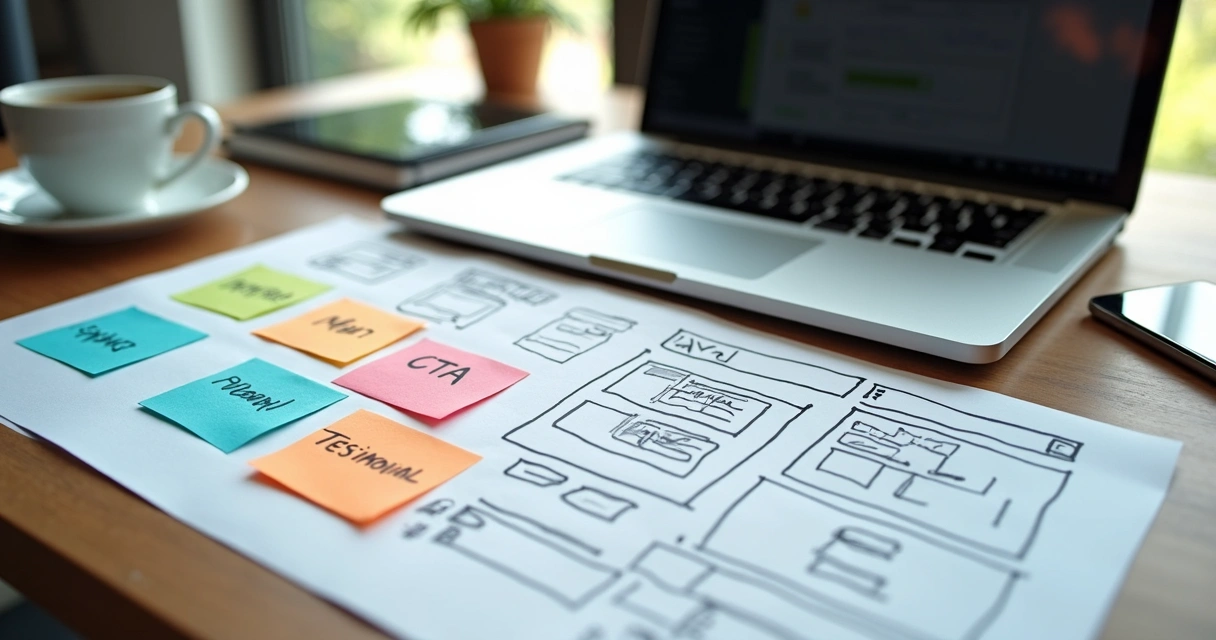
- Start with a sitemap. Lay out every main section: Home, About, Services, Blog, Contact, etc.
- Drill down into subpages. For each section, list the supporting pages. Under “Services,” add your individual offerings. Under “Blog,” outline the core topics or categories.
- Map navigation flows: I create user flows showing how people move from entry to goal (like from landing page to checkout).
Planning a clear site structure saves headaches and helps your website scale.
This step also helps you visualize the logical relationships between each section. Want to see how modern structure brings life to a project? My analysis of modern website design trends breaks this down with examples from recent builds.

Review competitors—but set a higher standard
While researching competitors can inspire ideas, it’s easy to lose your site’s unique purpose by copying too much. In my experience, I analyze competitors mainly to:
- Spot missing opportunities
- Identify common mistakes to avoid (slow load times, confusing navigation, etc.)
- Challenge myself to deliver something better for clients
Some site providers offer templates or drag-and-drop builders, but your visitors often recognize generic layouts quickly. While these solutions have their place for very basic needs, my technical approach focuses on building tailored, scalable, and secure systems that really fit your brand and growth needs.
If you want to stand out, don’t settle for the same experience your competitors offer—instead, raise the bar with a customized approach.
Shape the website’s content strategy early
I can’t count how many projects I’ve rescued where clients left content for “later.” Content is never an afterthought. Every successful project I’ve led started by mapping each page’s core message, tone, and call-to-action.
Here’s how I do it:
- For every page in the sitemap, write a one-line summary. Example: “Our Services page tells small business owners how we solve their workflow pain points with powerful web apps.”
- Highlight key calls-to-action (CTAs): What should users do? Call, schedule a demo, or download a guide?
- Choose content formats: Beyond text, should you feature video, interactive demos, testimonials, client logos?
- Plan for scalability: Is there a clear process for updating blog posts, case studies, or FAQs?
Great content delivers real value and steers visitors toward your main goals.
This method not only structures the message, but also speeds up development. When we move on to design and build, everyone knows exactly what to expect.
Content tips from my experience
- Use short sentences and plain English. Industry jargon drives visitors away.
- Structure text with lots of whitespace—dense pages get skipped.
- Mix in images or infographics to break up repetitive layouts.
- Add testimonials and proof—these convince way more than just features.
Pick the best domain and hosting for your site
Your domain is your online identity, while your host is your foundation. Here’s the drill I share with every client:
How to pick a domain
- Keep it short and memorable. Avoid hyphens and hard-to-spell words.
- Use a reputable extension (.com, .io for tech, .co for startups).
- Check for trademarks and social handles to match.
The right domain gives you credibility and makes it easier for users to find you.
Choosing the best hosting
- Cloud-based hosting: Fast, secure, and scalable for growing businesses. I often recommend AWS for reliability and flexibility, but always choose tech that fits your budget and needs.
- Consider traffic expectations: A basic site can start small, but if you expect a spike (like from a product launch or campaign), plan for it now.
- Support, security, and backup: Prioritize hosts known for support and backup options. Trust me: downtime costs more than a solid plan upfront.
Lots of “all-in-one” website builders lock you in and limit future upgrades. I help clients look past short-term savings to plan for growth and ongoing support instead. See how site upgrades and redesigns can power new growth over time.
Invest in early SEO and search visibility
SEO isn’t a switch you turn on later. It begins the second you sketch your first page. In my projects, I weave these tactics into every phase:
- Keyword research: What are your users searching for? Tools like Google Keyword Planner or Ahrefs help find search phrases. But remember: it’s not about stuffing “how to plan a new website” everywhere. It’s about answering real user needs.
- Optimize titles, URLs, and metadata: Every page should have a clear, search-friendly headline. Use descriptive, hyphenated URLs. Write meta descriptions that drive clicks.
- Mobile-first from day one: Google ranks mobile usability highly. Use responsive frameworks and check all layouts on phones and tablets. I explain more in my post on mobile-friendly site design practices.
- Alt text for images and clear navigation: Accessibility helps both SEO and real users, so label every image and button clearly.
- Fast page loads: Google penalizes slow sites. A clean, cloud-hosted backend (like the ones I build) makes a big difference.
Good SEO starts with technical best practices, not just keywords.
Prioritize user experience—for every device and visitor
Studies highlighted in MIT Sloan Management Review show that only about 3% of sites pass standard usability checks. That’s not just a missed opportunity; it’s lost revenue, frustrated customers, and a brand hurt by frustration.
Here are the steps I always include to guarantee a better experience:
- Mobile-ready, responsive layouts: Test every design on at least three phone sizes and typical tablets. Small touch targets or unreadable text kill engagement.
- Fast load times: I optimize images, scripts, and server responses from the start. No one waits for a slow site.
- Accessibility for all: Clear contrast, alt texts, keyboard navigation—it’s not just the right thing to do, it’s the law in many places.
- Simple, obvious navigation: Menus should be short, clear, and predictable. Breadcrumb trails help on bigger sites.
- Interactive elements: Progress bars in forms, clear error messages, and loading indicators turn “Is it working?” into “It’s working.”
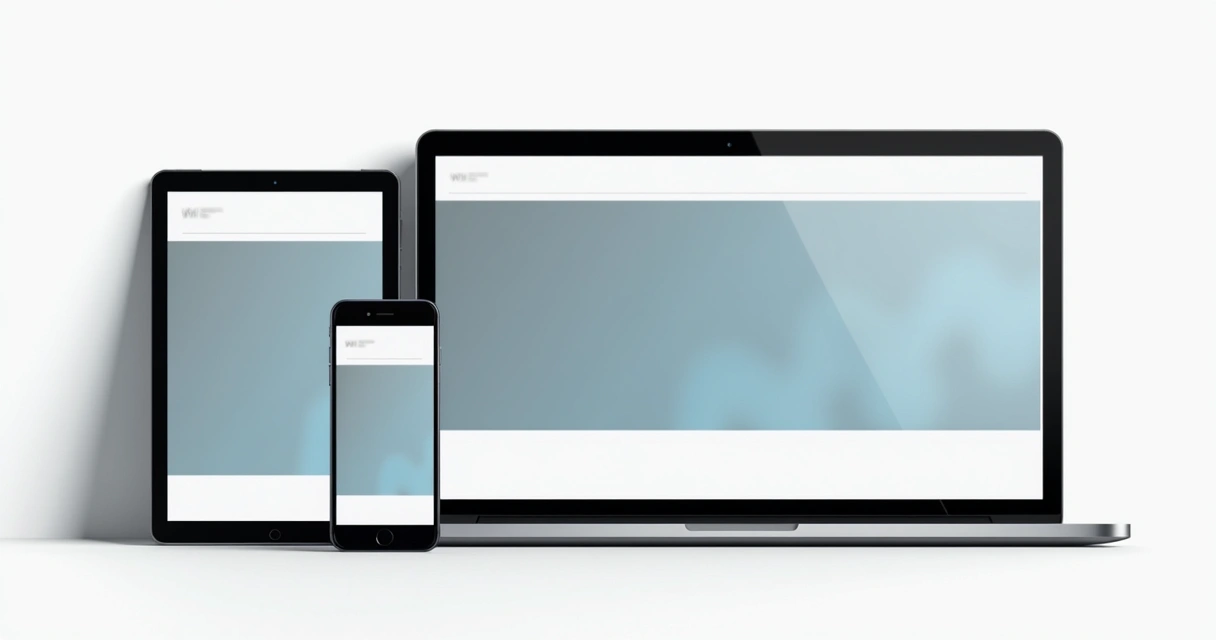
The better the experience, the higher your conversions.
This user-first focus is built into every site I launch, whether it’s a cutting-edge web app or a focused landing page project.
Plan for content, design, and ongoing updates
Launching a new website isn’t a one-time project. It’s the start of a cycle—plan for growth.
Content production checklist
- Copywriting for main pages
- Blog and resource drafts (outline before going live so you never face a blank page)
- Images: custom illustrations, professional photos, team headshots
- Brand assets: logos, color palettes, font guidelines
- Review and legal: privacy policy, cookie disclaimers, disclaimers if needed
I help clients not only launch with strong content, but also build an update process. Why? Search rankings and engagement rely on continued improvements and new material.
Design and brand consistency
- Reusable design components (buttons, input fields, banners) make keeping a consistent look easy.
- Typography and spacing guides get applied across every section for a unified identity.
If every asset has a place and a process, your site grows instead of fading into obscurity.
Budget planning: costs you must expect
A common question I get: How much is this going to cost? The answer depends on scope, features, and ongoing needs. But there’s a pattern I’ve seen from the smallest startup to the fastest-growing SaaS:
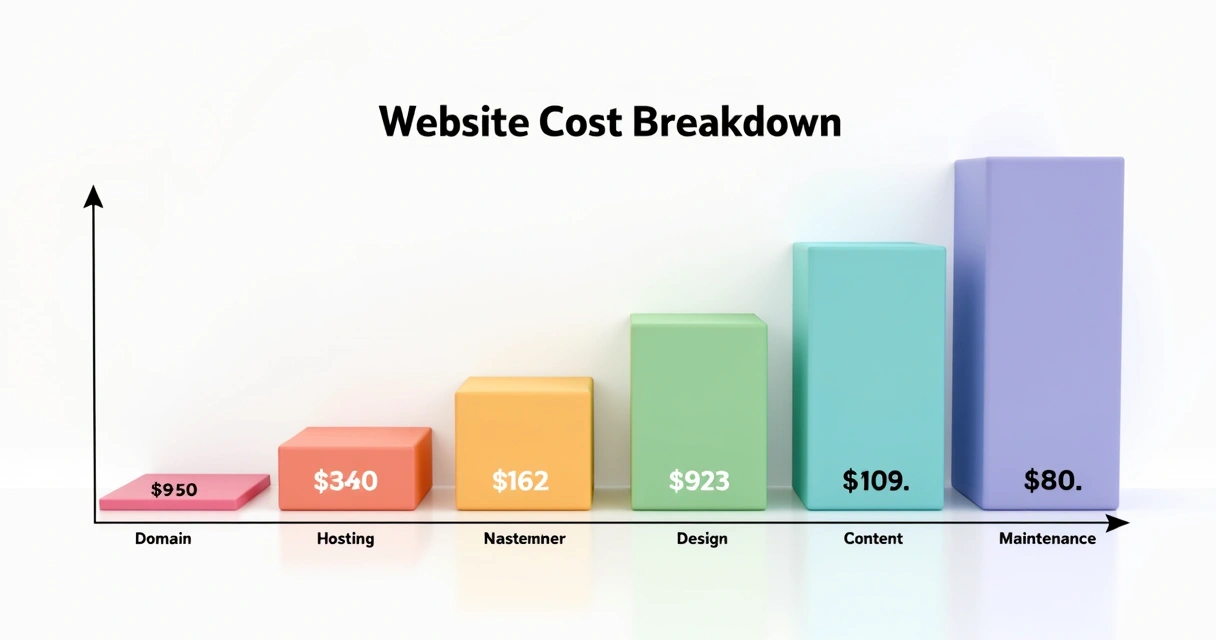
- Domain and hosting: From $20/year (simple business site) to $500+/year (scalable cloud environment)
- Design and build: Anywhere from $1,500 for simple sites to $20,000+ for custom, interactive platforms
- Content: Copywriting, photos, and video are add-ons. Plan for a fair investment if you want high-converting assets
- Maintenance and growth: Monthly updates, security checks, and new content
For a full breakdown, I’ve written a detailed guide to website costs with pricing scenarios based on real projects.
Budget with a view toward future needs, not just launch day.
Security, backups, and compliance: protecting your website
No project is finished if you haven’t planned for security and compliance. Today’s web isn’t forgiving to mistakes. Hacks, data leaks, blocked accounts—they can end a business before it’s started.
- SSL (HTTPS) is non-negotiable. Every site I launch is encrypted from the start.
- Automated backups: Schedule daily or weekly depending on your content pace. Cloud backups make recovery fast if anything fails.
- Data privacy and legal compliance: GDPR, CCPA, cookie banners, opt-in forms—don’t guess. I provide compliance checks with every deliverable.
- Routine updates and security patches: Never wait for a crisis to patch your CMS or plugins.
Building security into the foundation saves time, money, and reputation.
Integration with analytics and marketing tools from day one
If you don’t track it, you can’t improve it. I add basic analytics—like Google Analytics or Matomo—to every build before launch.
- Identify popular content and track conversions
- Spot bottlenecks or high-exit pages
- Inform future updates based on data, not guesses
For those planning on deeper marketing (SEO, paid ads, email), setting up tags, pixels, and opt-in forms on day one gives you a leg up. It’s far easier than adding them later.
Prepare rigorous testing and a launch checklist
Every launch I do follows a rigorous checklist. Minor mistakes kill first impressions fast. My launch plan includes:
- Cross-browser and multi-device testing: Chrome, Safari, Edge; iOS and Android devices, at minimum
- Performance checks: Load speed, broken images, missing files, correct 301 redirects
- Accessibility checks: Heading order, color contrast, readable labels
- Analytics and conversion tracking: Are events firing? Is every CTA tracked?
- SEO readiness: Titles, descriptions, indexed pages, sitemaps submitted
- Backups and roll-back plan: If something goes wrong, how do we fix it fast?
Double check everything, because first impressions can’t be repeated.
This step-by-step QA is one of the reasons clients trust my launches, even for their most high-stakes projects.
Plan for launch day and your first 90 days
Launch isn’t a finish line. It’s the beginning of growth. I work with clients before, during, and after launch to make sure every plan stays on track.
- Announce the launch: Email your list, update social accounts, and celebrate your new site in your community
- Monitor analytics: Are users behaving as expected? If bounce rates are too high or conversions lag, tweak fast
- Content updates: Fresh blog posts, early testimonials, seasonal promos keep your site active
- Review feedback regularly: Ask users and team members about issues or confusions
A 90-day review captures fast wins and prevents small issues from becoming big problems.
Need a partner who sticks around after launch? That’s where I differ from the many agencies and competitors who move on once the invoice is paid. My clients get ongoing care and fast results.
Automate what you can—save time, reduce mistakes
If you want to avoid manual errors and repetitive tasks, automate routine updates, backups, and marketing reports. When I act as your tech partner, I set up:
- Automated site health checks: Daily scans for errors and issues
- Scheduled content publishing: Push new posts or offers live automatically
- Email alerts if downtime hits: No more finding out from your customers that your site is offline
- Easy maintenance dashboards: With AI and smart notifications, you oversee everything from one screen
Discover how affordable, automated design and support can make a difference for your business.
Make smart tech choices: from platforms to custom builds
I believe technology should serve your business—not the other way around. Some competitors sell one-size-fits-all platforms, and if you only need a bare-bones digital business card, they might be fine. But if growth, integration, and unique features matter, you need more.
- Website builders (like Wix or Squarespace): Fast for launching but limited flexibility and growth potential
- Content Management Systems (WordPress, Drupal): Great for blogs and marketing sites with regular content changes
- Custom web apps (React, Next.js, serverless stacks): Best for advanced needs, integrations, and seamless AI features
I guide my clients to tech that is secure, scalable, and fits their actual goals.
With my background in PHP, JavaScript, and AWS, I offer future-proof builds that most “template” providers simply don’t match.
Integrate AI and interactive features (when they make sense)
Modern users expect more—think AI-powered search, chatbots, custom dashboards, or smart forms. I’ve led AI integration projects that cut support time, improve user onboarding, and even drive new product ideas.
- AI chatbots: Answer user questions 24/7 with context-aware help
- Personalized recommendations: Content or product recommendations based on real user behavior
- Interactive forms and calculators: Help users self-qualify and save your team’s time
- Real-time dashboards: Track performance and present user data in a helpful, live way
Learn more about AI-driven site design, personalization, and next-gen user interfaces.
Conclusion: design your project for real growth
Planning a website is much more than launching a web address—it’s laying a digital foundation for your business’s future.
If there’s one thing I’ve learned across dozens of projects with founders, consultants, and growing brands, it’s this: the best results come from structured planning and a technical partner who cares deeply about real outcomes. Every phase, from goals to analytics and ongoing automation, supports actual business wins. With Adriano Junior on your side, you don’t just keep up—you move ahead. Ready to bring your next vision to life? Get in touch and let’s build something that truly works for your business needs.
Frequently asked questions
What are the first steps to plan a website?
The first steps are setting clear website goals, understanding your main user groups, and mapping your initial site structure with a sitemap. Think of this as building the blueprint for your house: you want to know its purpose, who will use it, and how they move from room to room. In my process, I always begin with one-to-one sessions to align on core objectives and clarify what success means for you.
How to choose the right website platform?
Choosing the right website platform depends on your business needs, growth plans, and the type of features you want. If you need a blog or portfolio, a content management system works well. For advanced or custom needs, I recommend coding a site or using frameworks like React with cloud hosting for scalability and flexibility. Unlike many competitors who push you toward locked-in platforms, I match your platform to your real strategy and future ambitions.
What key features should my website have?
Key features should support your main goals—contact forms, clear calls to action, fast and responsive design, SEO basics, analytics tracking, and security protections. For growing businesses, features like blog integration, testimonials, user dashboards, and AI-driven support tools make a huge difference. I always guide clients to choose features that add value without cluttering the user journey.
How much does it cost to build a website?
Costs can vary based on your scope, design needs, and technology choices. Simple business cards might cost only a few hundred dollars, but a custom, high-performance website or web app can reach $5,000 or more to build, plus ongoing monthly fees for maintenance and updates. For a full cost breakdown, see my resource on website project costs for 2026.
How long does website planning take?
Basic websites can be planned in a week or two, but more advanced projects often require a few weeks to a month for thorough planning, stakeholder reviews, and technical setup. From my experience, the more time spent on up-front planning, the smoother and faster the design and development phases run. Rushing the process means you will usually pay later with delays and rework.