
Building a website that can handle growth is one of the most exciting journeys for any business owner or technical lead. Over the last sixteen years spent crafting systems for companies small and large, I have watched first-hand how scalable website solutions open the door to new markets and greater revenues. But getting it right the first time is tough. If you hope to see a surge in users, more customers, or evolving services, scalability is not a luxury; it is a necessity. In this article, I will walk you through how modern websites meet spikes in demand, grow without pain, and keep users happy along the way.
Everything I share is drawn from practical experience as a senior software engineer and digital nomad. My work—like the platforms described at this detailed resource about frameworks for scalable business solutions—is built on one belief: your website should keep up with your dreams, not hold them back.
Understanding why scalability matters
Years ago, I was hired to fix a website that collapsed during its first flash sale. The pain was real: lost orders, angry customers, and revenue down the drain. This is a story I have seen too often. Scalability is about making sure your website stands strong—no matter how fast your business grows.
Scalability lets your website welcome every user, every time.
Without it, viral marketing, seasonal bursts, or a new product launch can implode your reputation overnight. What feels like a tomorrow problem quickly becomes today’s crisis.
If your business is growing, your website should grow with it—smoothly, without friction or fear.Building blocks of scalable web architecture
Key principles
- Modular design: Break the site into independent chunks that can evolve, update, or scale without rewriting everything. This makes future maintenance faster and safer.
- Separation of concerns: Split business logic, user interface, and data storage. Changes in one area don’t affect the others.
- Automation: From code deployments to backups and recovery, automate what you can. This speeds up response to growth and reduces human error.
The foundation of web scaling starts here. Not with wild spending or the latest tech trends, but with decisions about structure and process.
Vertical and horizontal scaling
There are two common ways to accommodate more users:
- Vertical scaling (scaling up): Get a bigger, more powerful server. Think of replacing a food truck with a restaurant. Easy short-term, but limits exist.
- Horizontal scaling (scaling out): Add more servers to share the work. This is like opening more branches; it makes growth nearly limitless.
In my experience, most high-traffic sites move to horizontal scaling over time, especially when demand becomes unpredictable. The flexibility here is enormous.
Cloud infrastructure
Cloud platforms changed the way we think about scaling forever. With cloud providers, you can spin up more resources in minutes—no hardware to install, no lease to sign. The choice to move infrastructure off-premises is key. It allows for automatic expansion or shrinking as demand changes.
Cloud services make "pay-as-you-grow" real, so you never overcommit your budget just to prepare for growth.Choosing architectures: monolithic versus microservices
The monolithic approach
When I started building web systems, monoliths were standard. A monolithic app is just one big codebase: all features, logic, and data in a single place. It’s simpler early on, and for many small projects, it makes sense. Getting started is quick, and maintenance is manageable as long as your user base is teensy.
But there’s a catch. As features pile up, a monolith turns unwieldy. Adding new features gets risky—one bad line can take the whole thing down. You lose speed, flexibility, and (eventually) sleep.
Microservices: The modern approach
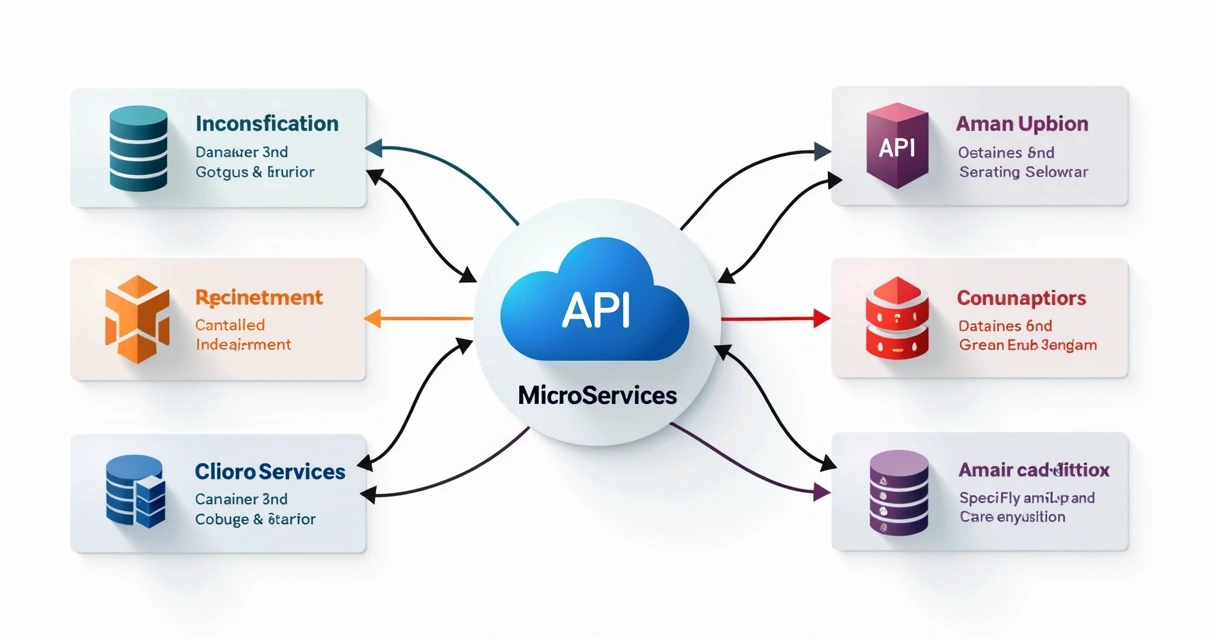
Microservices divide your solution into smaller, independent pieces. Each service does one job: handle payments, serve blog posts, process logins. If one fails, the others keep running.
Microservices are not always the answer. There’s a tradeoff: more moving pieces, more coordination, but far easier long-term growth. When built with the right tools—like the ones described for modern scalable web applications with Laravel—microservices let your team add features or fix bugs without stalling everything else.
I have shifted many businesses from monolith to microservices, especially when their platforms outgrew early ambitions. The transformation feels intimidating, but the long-term rewards are huge.
How load balancers help you scale
Load balancers are the quiet heroes of the web. They route user traffic across multiple servers so that no single machine gets overwhelmed. This increases capacity, improves speed, and keeps the experience smooth—no matter how many users hit your site at once.
A good load balancer means traffic grows, but headaches do not.- Distributes requests for fair resource usage
- Detects and isolates failing servers
- Improves security by hiding backend structure
From low-cost cloud tools to advanced hardware, the right load balancing setup is a must when preparing any high-growth platform.
Smart caching for faster response
Here is a saying that has saved my career more than once: what can be cached should be cached. Caching stores frequently accessed content in memory, not in faraway databases or files, so users get information instantly on repeat visits.
Common options include:
- Browser caching (keeps images, styles, and scripts on the user's device)
- Server-side caching (pre-generates dynamic pages or data)
- In-memory caches (like Redis), for ultra-fast data retrieval
Careful cache rules let you handle sudden traffic surges with grace. But it is an art—misconfigured caching creates confusion, as users see outdated pages by mistake. Testing is key. I always recommend a phased rollout to ensure fresh, accurate information for everyone.
Content delivery networks (CDNs) in action
A CDN stores copies of your static resources (images, video, downloads) in locations close to users around the world. When someone visits your site, these files load from a nearby node, not your main server, so pages appear in a flash.

I've seen sites drop page load times by 50% overnight with a proper CDN integration. For shops, media-heavy sites, or global companies, this is not optional—it's fundamental to user satisfaction and conversion.
CDNs bring your website closer to every customer, no matter where they log in from.Scalable databases for growing websites
The database is the heart of every web project. As data grows, a single database server can struggle to keep up. Solutions include:
- Replication: Use read-only copies for heavy query loads
- Sharding: Split data by key (like region or customer ID) across different machines
- NoSQL: For certain data patterns, NoSQL choices scale horizontally and allow for blazing-fast reads/writes
Choosing between SQL and NoSQL comes down to how your data is structured and how rapidly new records pile up. Over the years, I've moved clients to scalable options piece by piece, so business can keep running even as the technical backbone changes.
Performance from the inside out: writing fast code
A fast server means nothing if your code clogs the pipes. I've seen teams ignore "tiny" performance bottlenecks at first—then, years later, pay dearly in slowdowns and lost sales.
Small code improvements, multiplied, become a massive speed boost for users.- Use libraries and frameworks built for speed and maintainability (such as those written about in my Laravel-based scalable web solutions guide).
- Profile and test every endpoint, not just the biggest ones.
- Rewrite slow algorithms, not just buy bigger servers.
Investing in code structure early pays back forever.
Monitoring and proactive response
You can’t fix what you can’t see. Proactive monitoring means:
- Detailed traffic and error logs
- Alerts for usage spikes or resource limits
- Dashboards that show health in real time
This lets you spot issues before users notice, and react to unexpected changes instantly—not after your support lines are flooded.
Don’t wait for users to report problems. Catch them in advance, and grow with confidence.
Content management for scaling teams and audiences
As an engineer, I know that content bottlenecks are more than technical—they slow marketing, customer support, and sales. An easy-to-use content management system (CMS) adapts as your business grows, so teams add, remove, or update material quickly.
I recommend flexible CMS setups because:
- Non-developers can manage routine updates
- Complex workflows (like approvals, translations, or A/B tests) can be customized
- Integrations with ecommerce or CRM happen quickly, so content and data flow together
When designing CMS strategies, I often direct clients to ecommerce website development guidance focused on scaling, since online shops face intense traffic swings and rapid inventory updates.
Dynamic content and scaling for user experience
Visitors expect personalized and instant experiences. That means your systems must deliver the right content, to the right user, every time—no matter how many users you have. Dynamic content scaling is about balancing speed and personalization.
Tricks I apply include:
- Edge-side rendering for public info—fast and easy
- User-specific data fetched or generated on the fly, but only when needed
- Minimal server-side work, pushing more to the browser
This way, every user enjoys a consistent, lightning-fast feel, even while logged in, shopping, or browsing custom recommendations.
Handling sudden growth: spikes and their signals
Sudden viral moments or campaigns bring spikes that can crash unprepared sites. Signs you need to prepare:
- Frequent slowdowns during events or launches
- Support tickets increase after heavy traffic
- Latent orders, failed checkouts, or login errors
Strong scaling plans, with tools like load balancers, CDNs, and real-time status checks, are your safety net.
Traffic spikes are exciting—if your site can keep up.
Planning and long-term costs
Business owners often ask, “How much will this cost?” or “Can we afford to scale?” My answer is that scaling is not about big spending up front. It’s about smart, measured investment over time.
Pay-as-you-go cloud setups let you balance performance and cost, scaling only when it makes sense for your business.Key planning tips from my years of consulting:
- Start small, but with an eye on what “big” will look like for you
- Test under pressure—use simulations, not just theory
- Prepare rollback strategies for failed upgrades
- Plan budgets monthly, and revisit as usage changes
If you are ready for big growth and need guidance, I help businesses create scaling roadmaps tailored for their risk and budget.
Automation, third-party APIs, and future-proofing
Scalable websites lean on automation and APIs. I remember a recent project where manually updating sales data nearly caused a launch disaster. The fix? Automate connections between store, warehouse, and analytics to keep updates instant and accurate.

Automation covers:
- Deployments (zero-downtime updates, backups)
- Integrations (payments, shipping, chatbots, analytics)
- Self-healing infrastructure (automatic restarts and scaling)
Every step you automate is one less future headache.
Smart use of APIs and automated tools keeps your website current while your team focuses on growing your business.Modern web solutions also include strategy and delivery improvements, like the ones detailed at my guide to DevOps consulting services for scalable delivery. These strategies let you deliver new features quickly and with fewer risks, which is another big win for dynamic companies.
Best practices for future growth
Over the years, I have summed up the culture of high-growth websites into a shortlist of best practices. Here are my top recommendations if you want a solution that expands with your customers:
- Continuous integration and delivery: Every update is tested and shipped with minimal delay.
- Thorough monitoring: Set alerts for every major failure mode and review regularly.
- Keep documentation fresh: So new team members get up to speed quickly.
- Choose proven, well-supported frameworks: Stay with tools and platforms that evolve and keep up with today’s standards.
- Plan for change: Assume features will come and go, and build with flexibility.
- Regular security audits: As you scale, security risks grow too. Plan regular checks.
I write all of this not just as advice, but as a promise—I have turned these guidelines into success for hundreds of clients. The web rarely stands still, and neither should your solution.
Conclusion: Your growth needs the right partner
If you have read this far, you are serious about building for the future. From my own journey, I know that the best scalable site is one you barely notice evolving—because it is always ready for what’s next.
This is what I offer through my consulting and development services: tailored web architectures, focused on your unique path, grounded in real-world success. If you are planning a new project or worried your current site can’t keep up, don’t leave your growth to chance. Get in touch, and let’s build something ready for tomorrow together.
Frequently asked questions
What are scalable website solutions?
Scalable website solutions are web applications and platforms designed to handle increasing numbers of users, bigger datasets, and new features without sacrificing performance or reliability. They include features like modular design, cloud hosting, dynamic content delivery, and smart automation, all planned to ensure your website succeeds as your audience or product catalog grows.
How to make my website scalable?
To make your website flexible for growth, build with modular architecture, use cloud infrastructure for easy scaling, integrate load balancers and CDNs, and write efficient, testable code. Add monitoring for early trouble signs. For complex apps, consider microservices. If you need guidance, working with someone like me—who has built many such systems—helps avoid costly mistakes.
What are the best scalable platforms?
The best platforms often include proven frameworks and cloud providers with strong support for scaling out—such as popular PHP and JavaScript frameworks, cloud services for automatic resource expansion, and tools that automate deployments and integrations. Choosing a platform that fits your team’s skills and business goals is critical. I detail some of these tools and methods in my writings about building scalable web solutions with modern frameworks.
Is it expensive to build scalable websites?
Building a scalable website is usually affordable if you start with solid foundations and scale up gradually. Cloud services allow you to pay for what you need now, increasing resources as demand grows. Costs depend on site traffic, required features, and service choices, but with proper planning, expenses grow alongside results, rather than ahead of them.
How can I handle website traffic growth?
To handle growth, use strategies like cloud auto-scaling, horizontal scale (adding more servers), caching, and CDN services to manage the increase in visitors. Proactive monitoring allows quick responses to sudden spikes. If your workload grows fast, periodic scaling reviews and updates let your website continue to perform well for every user.